
Document Conversion MCP Server

Natural Language Document Batch Operations – Powered by MCP

The Document Conversion MCP Server registers as a tool that any MCP-compatible AI agent such as Anthropic Claude, OpenAI ChatGPT, Google Gemini, and others can invoke to convert, extract, watermark, redact, and manage documents. No code. No manual steps. Just tell your AI what needs doing.
AI-compute

What You Can Do with the Document Conversion MCP Server

No integration code, no manual steps. Send a natural language instruction to your AI agent, and the Document Conversion MCP Server executes the operation and delivers the result.

Core Capabilities

OCR

Turn scanned documents and image-based files into fully searchable, editable content. Run OCR across single files or entire folders in one prompt; no pre-processing required.
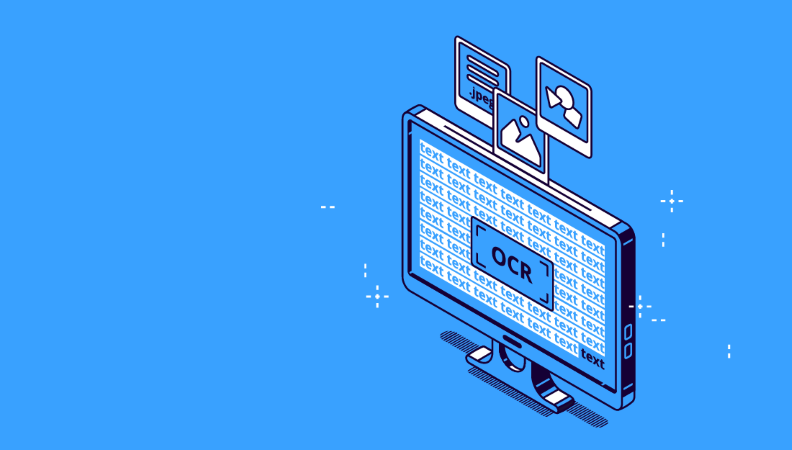
OCR banner
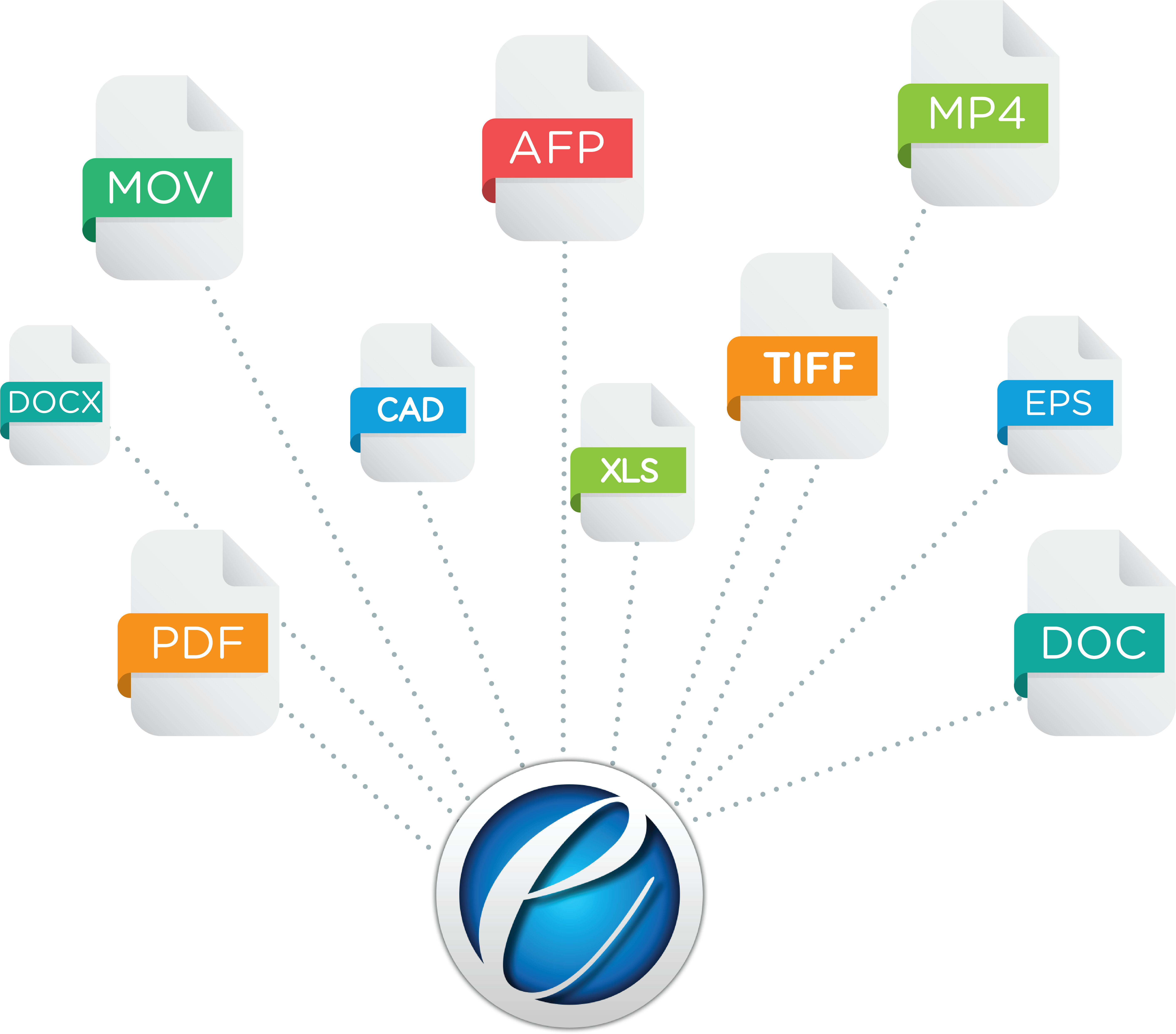
File formats eviewer

Document Conversion

Convert documents between formats without opening a single application. PDF to Word, Word to PDF, TIFF to PDF/A, and more in single files or entire directories. Just describe the output you need, and the MCP server converts and delivers the result.

Redaction

Identify and permanently hide personally identifiable information such as names, email addresses, Social Security numbers, and other sensitive data from documents. The AI agent detects the sensitive content via natural language prompts, and the MCP Server executes the hard redaction on the file.
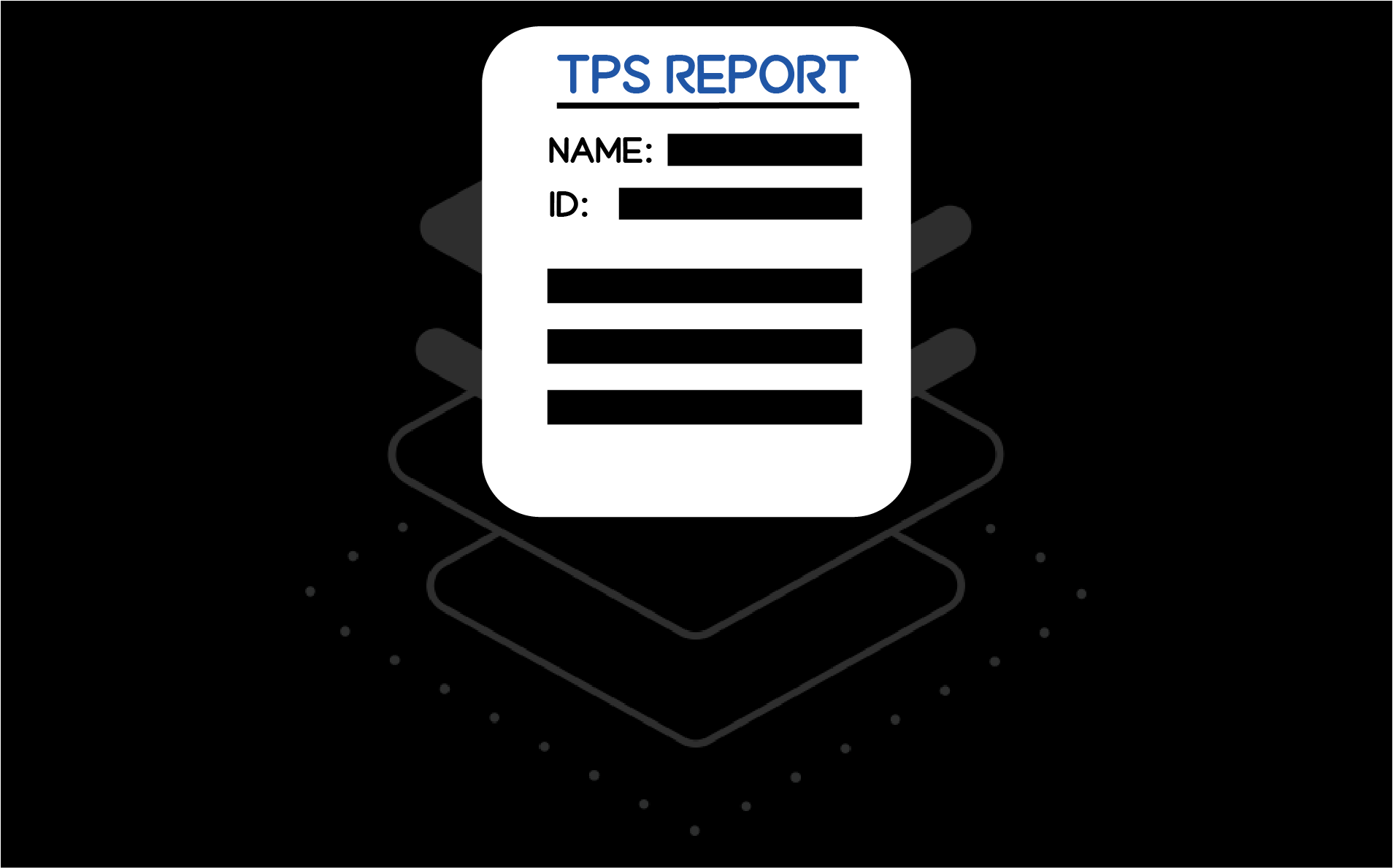

redacted banner
manipulation banner

Document Manipulation

Reorder, rotate, and reorganize pages using natural language. Whether you are preparing a document for your organization’s workflow process, publishing, or simply refining its structure, one prompt handles it.

Batch Convert or Rename Files with Custom Location

Process entire folders in one go. Convert, rename, and save files to a custom output location using a single instruction. Define naming conventions, output formats, and destination paths in your prompt. The MCP server executes the batch and confirms completion for each file.
AFBA-Batch Converter
Data extraction eviewer

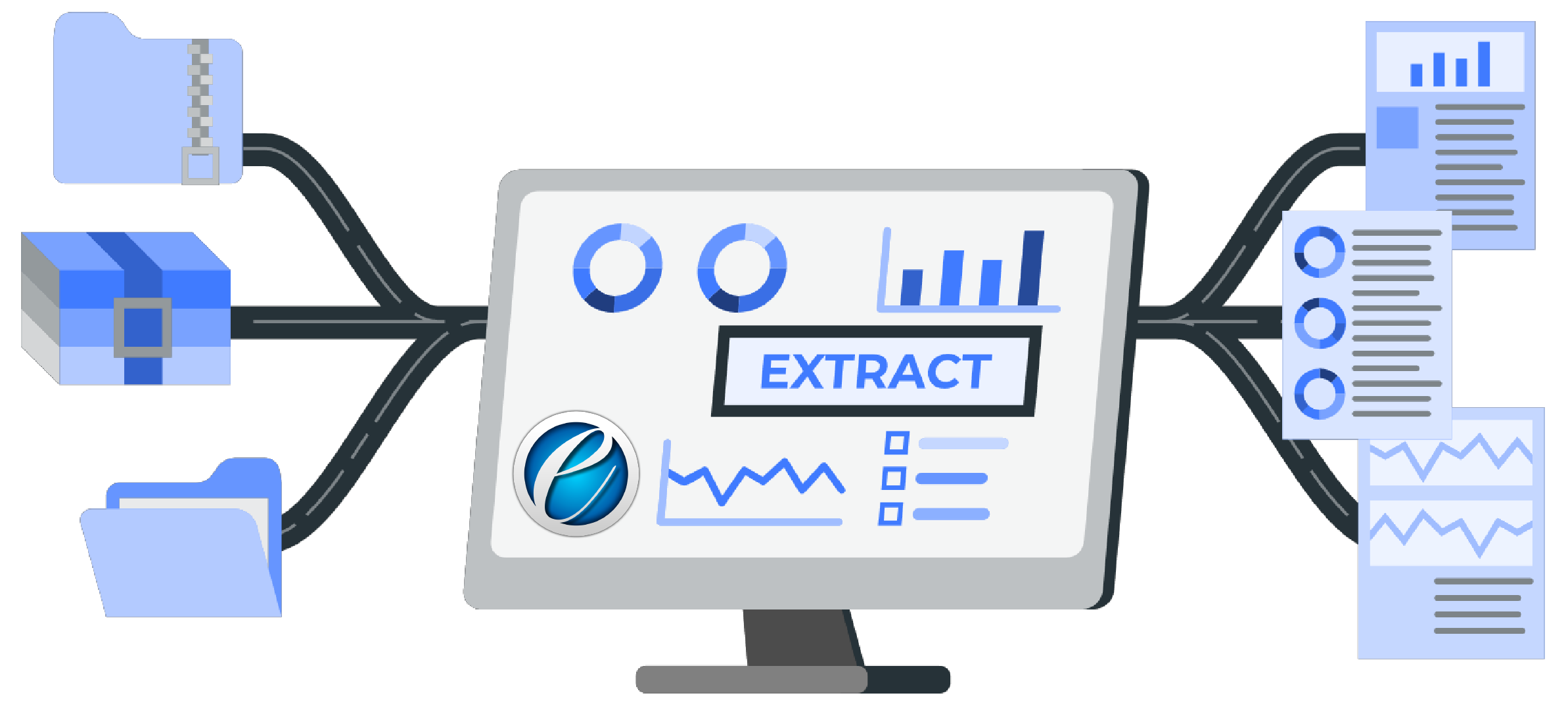
Table & Key-value Extraction

Pull structured data out of documents automatically. Extract tables, dates, and key-value pairs from invoices, contracts, forms, and reports. Results are returned as structured output ready for use in spreadsheets, databases, or further AI analysis.

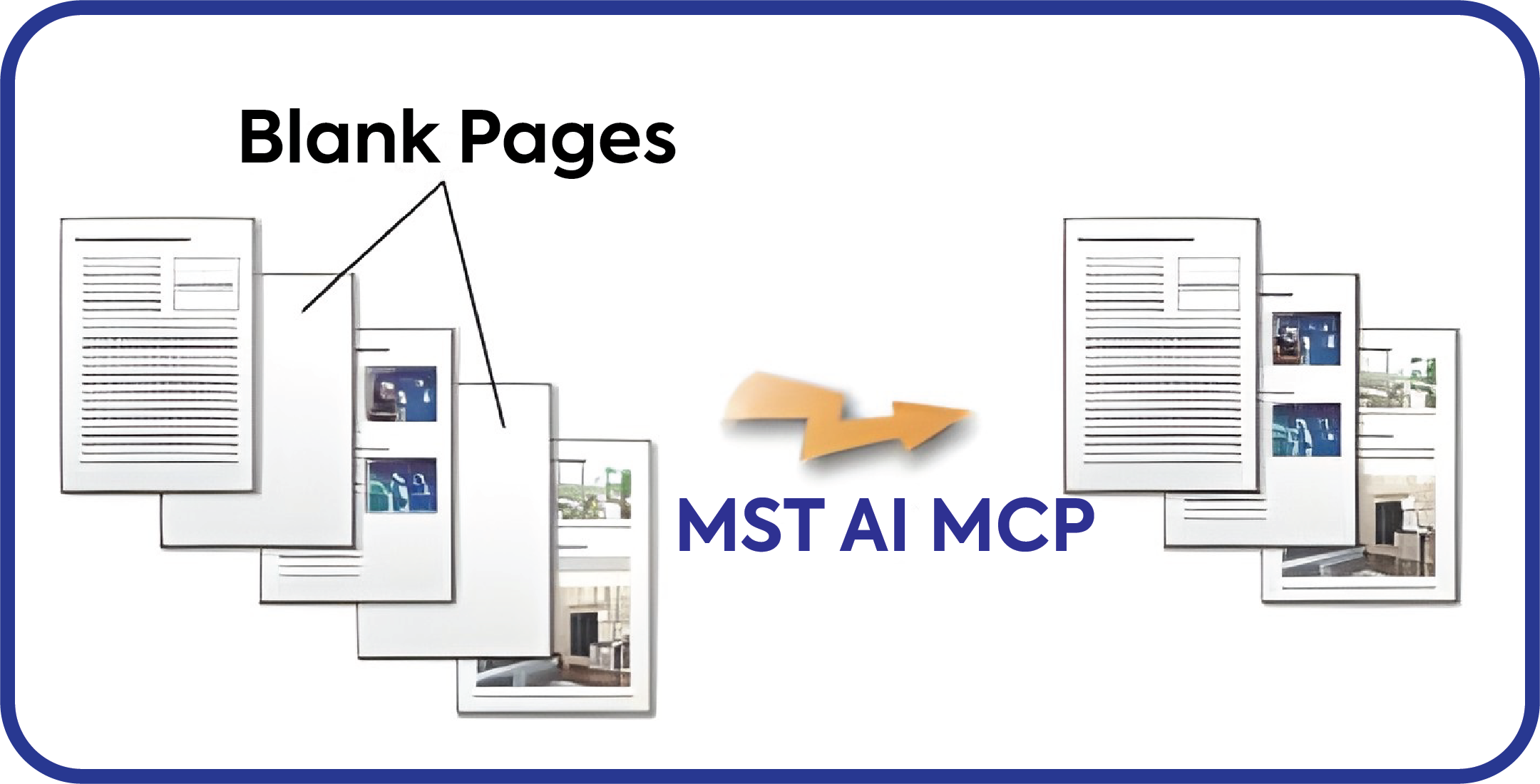
Blank Page Detection

Blank pages are detected and removed automatically, keeping your output clean without a separate step.

Blank Page AI
Watermarking eviewer

Watermarks

Apply watermarks to documents through a prompt. Specify the watermark content, position, opacity, and target files. The MCP server stamps them and returns the output. Watermark an individual file or an entire folder before distribution in seconds.

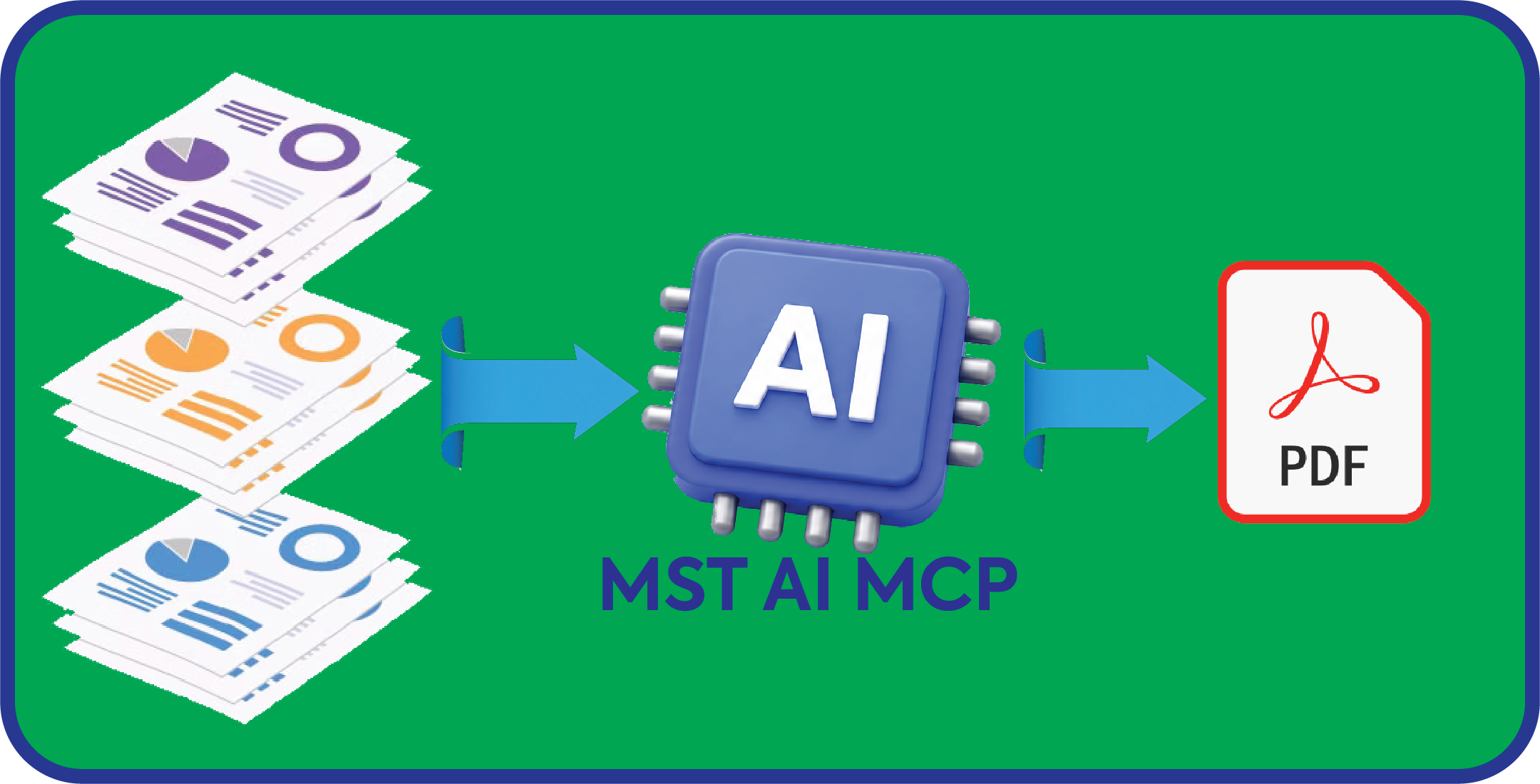
Merge & Assemble

Combine multiple documents into a single file with complete control over order, pagination, and structure. Assemble reports from individual sections, merge exhibits into contracts, or stitch together scanned pages all from a single natural language instruction to AI.
Merge AI

How to Use the Document Conversion MCP Server?

Step 1- Add the Server to Your AI Agent

Procure the Document Conversion MCP Server from the Claude Marketplace, GPT Store, or your preferred AI platform directory. Add it to your agent through the platform’s tool or connector settings. The full setup takes under five minutes and requires no developer configuration.

Step 2- Prompt Your Operations in Chat

Send a plain-language instruction to your AI agent. For example: “Watermark all PDFs in this folder with copyright” or “Extract all invoice totals from this batch and return them as a table.” The agent identifies the relevant tool and invokes it on your behalf.

Step 3- Review Your Results

Processed files are returned directly in your agent session. Download them, review extracted data, or pass the results into the next step of your workflow. No separate application to open, no file re-upload required.

Performance & Trust

100+ Document and image formats supported

Document and image formats supported by MS Technology

5+ ECM platforms integrated out of the box

ECM platforms integrated out of the box: SharePoint, Documentum, FileNet, CM8, Salesforce, Alfresco

Core document operations available via MCP

Conversion, watermarking, OCR, extraction, renaming, redaction, and more, all accessible by a single prompt

<5 min from marketplace to first completed document operation

From connector setup to your first completed document operation

Frequently Asked Questions

The Document Conversion MCP Server is a modular utility registered as a tool within the MCP framework. It provides the functional capabilities of conversion, watermarking, OCR, extraction, redaction, renaming, and more, while your AI agent (Claude, ChatGPT, Gemini, or any MCP-compatible platform) provides the conversational interface.
Fully operational features include document conversion, watermarking, batch conversion, file renaming with custom output locations, table and key-value extraction, metadata extraction, OCR, blank page detection, and redaction. All operations work on single files or entire folders depending on your prompt.

Both. The Document Conversion MCP Server handles single-file operations and full-folder batch processing. For batch work, reference the folder in your prompt and specify what you need done. The server processes each file and confirms completion for each one.

The server supports over 100 document and image formats, including PDF, PDF/A, Word (.doc, .docx), Excel (.xls, .xlsx), PowerPoint (.ppt, .pptx), TIFF, PNG, JPEG, CAD, and more.

Yes. Document processing runs through the server within your controlled environment. Files are not sent to external AI servers or third-party processing services during operations. The server is well-suited for organizations operating under GDPR, HIPAA, and CCPA compliance requirements.

The Document Conversion MCP Server is compatible with any AI agent or platform that supports the Model Context Protocol (MCP), including Claude, OpenAI (ChatGPT), and Gemma. It can be listed in the Claude Marketplace and the GPT Store, and integrated with any custom agent framework that consumes MCP-defined tools.

Used and Trusted by Thousands of Innovative Start-ups, Governments, and Fortune 1000 businesses Worldwide to Power their Products and Services


Motorola logo
SSA logo
Worldpay logo

Ready to Add Document Conversion to Your AI Agent?

Add the Document Conversion MCP Server from the Claude Marketplace or GPT Store, or reach out to our team to ask a technical question and discuss your specific document workflow requirements.