
View, Review, and Markup CAD Drawings Directly in Your Browser with eViewer
Opening a CAD drawing does not have to require a CAD license. eViewer natively renders DWG, DXF, CAD-formatted PDF, and other CAD-based format files directly in the browser, enabling anyone with the appropriate access to view, annotate, measure, and compare drawings all without installing CAD software or converting files. Once a CAD drawing is rendered, users can seamlessly zoom, pan, add annotations, take measurements, and compare revisions all within a single document viewer.
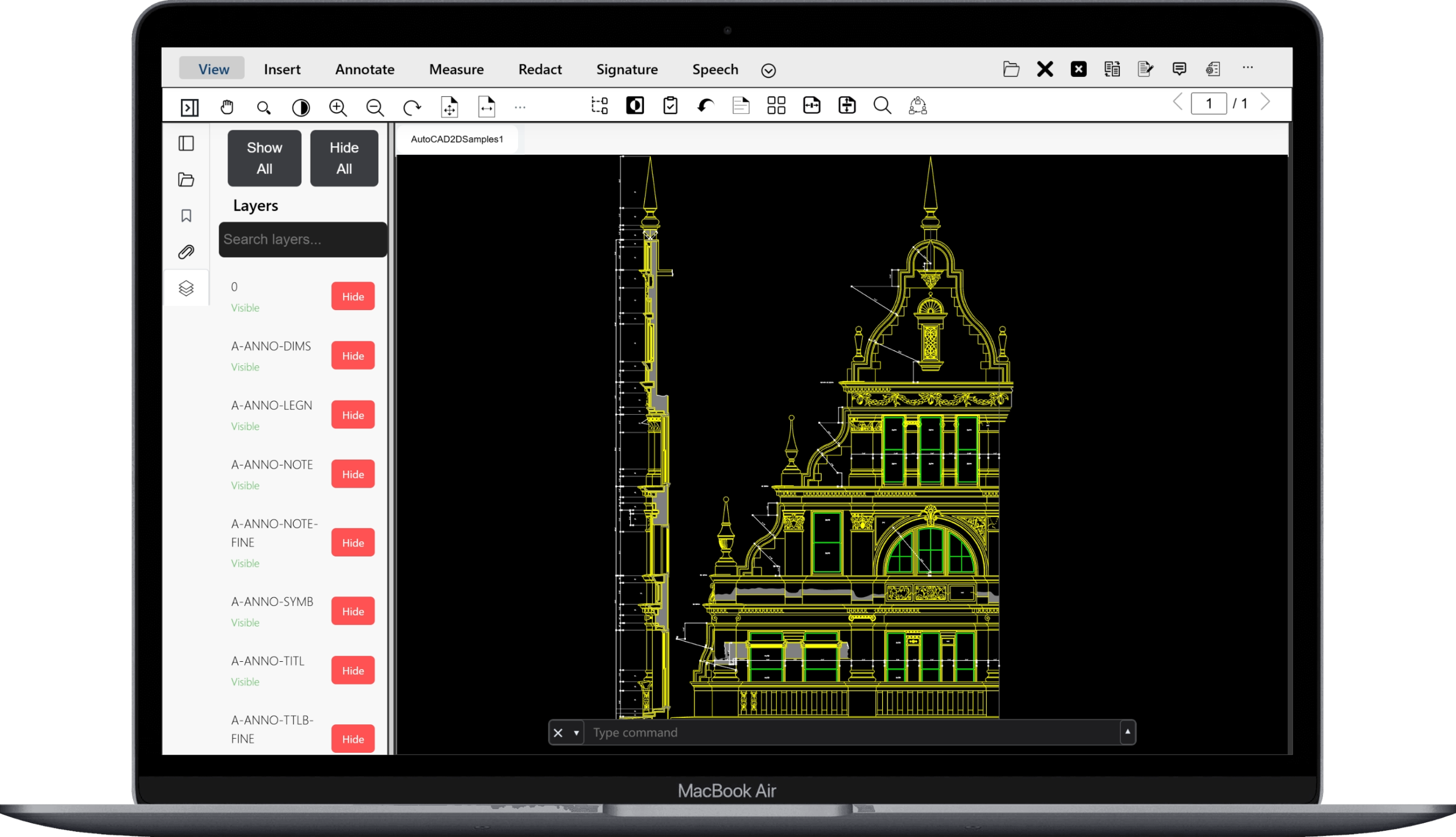
When a document is rendered in the viewer, everyone can look at the same file at the same time. Reviewers can add comments and markup directly on the document instead of emailing files or screenshots back and forth. Feedback stays anchored to exactly what it references, making reviews faster and more accurate.

Reviewing a drawing does not require CAD software. eViewer lets any authorized user open and work with any number of supported CAD file formats.

CAD files render inside the browser, keeping sensitive design files inside your existing systems; drawings stay within your controlled environment. eViewer applies the same access controls, user permissions, and audit logging to CAD files as it does to every other document type in the system.

Access CAD drawings from anywhere. eViewer renders DWG, DXF, CAD-formatted PDF, and other supported CAD files responsively across desktops, tablets, and mobile devices, allowing users to view drawings without a dedicated CAD workstation. The drawings remain clear, responsive, and easy to navigate on any screen size.

Key Benefits
Precision Viewing
Pan across large assembly drawings or zoom into fine structural detail without any pixel degradation or loss of accuracy.

No CAD software or license required
Any authorized user with a modern browser can open, view, and review CAD files. There is no AutoCAD, no plug-in, and nothing to install or maintain on the end user’s machine.
Native CAD format rendering
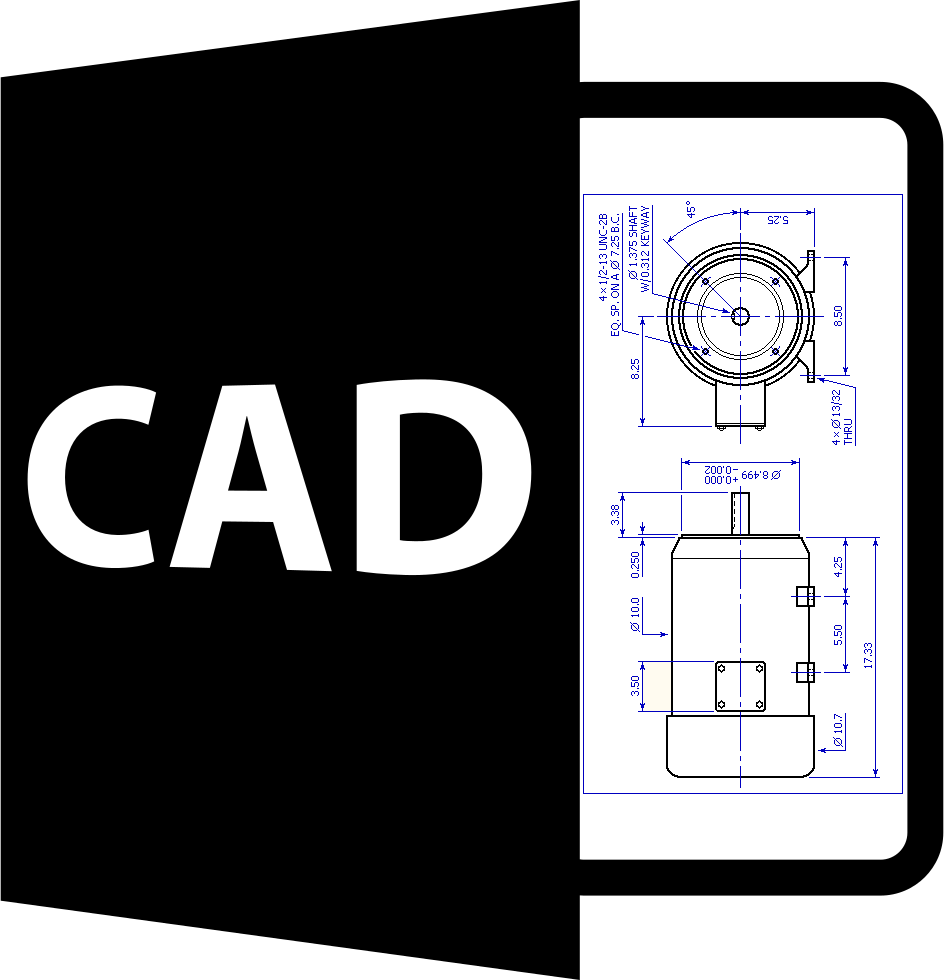
DWG, DXF, CAD-formatted PDF, and other supported CAD files render natively in the browser, preserving the original drawing’s structure and detail.
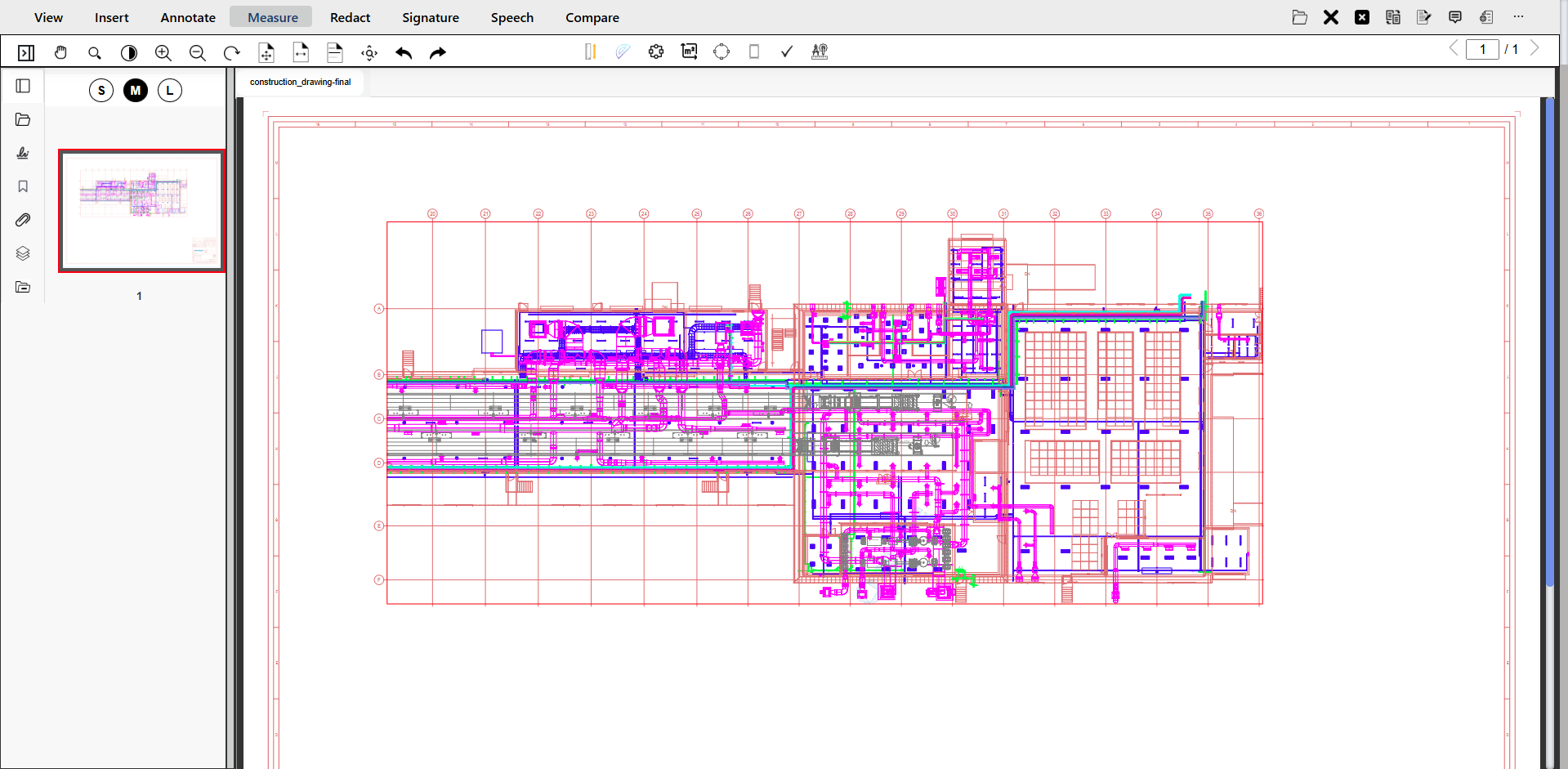
Measurement Tools
Take precise measurements- distance, arc, area, perimeter, ellipse area, rectangular area, count, and calibration directly on drawings within the browser. No printing, no downloading, no switching to a CAD application just to verify a dimension.

Works with your ECM
eViewer connects to OpenText, IBM FileNet P8, SharePoint, Salesforce, Alfresco, and cloud-based systems. CAD files stay within your existing infrastructure; no separate storage or parallel system required.
Supported formats
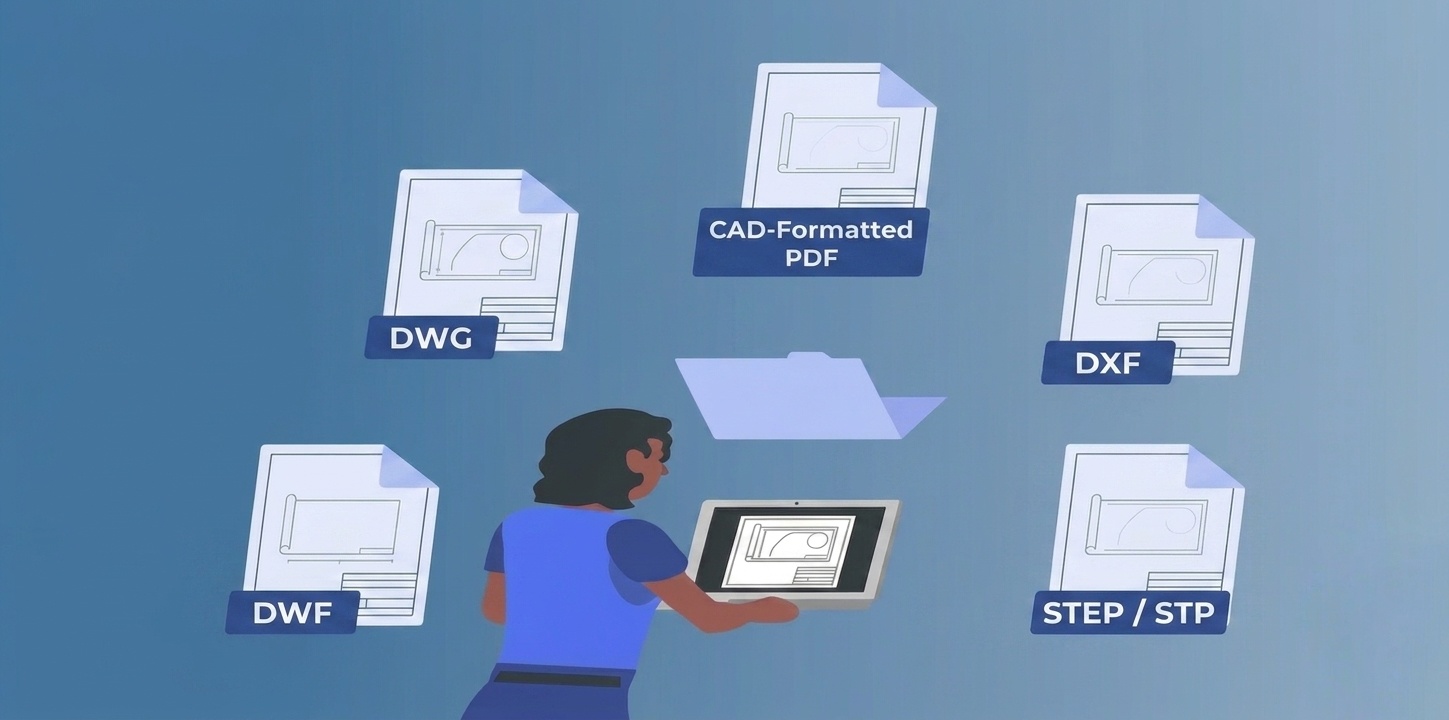
eViewer renders DWG, DXF, and PDF CAD files natively in the browser, along with other major CAD and technical drawing formats, no conversion required before viewing.

Customer Support
MS Technology provides worldwide support for eViewer. Our team works directly with your organization through deployment, configuration, and beyond to make sure CAD viewing and collaboration perform exactly as your workflows require.
- Technical support available via email, phone, and web screen-sharing sessions
- Implementation guide
- Full documentation and knowledge base access
Frequently Asked Questions
Used and Trusted by Thousands of Innovative Start-ups, Governments, and Fortune 1000 businesses Worldwide to Power their Products and Services





Modernize CAD Access Across Your Organization
Your CAD drawings should not require specialized software just to be opened and reviewed. eViewer gives secure, instant access to drawings in the browser, with the tools to annotate, measure, and collaborate without stepping outside their existing workflow.