
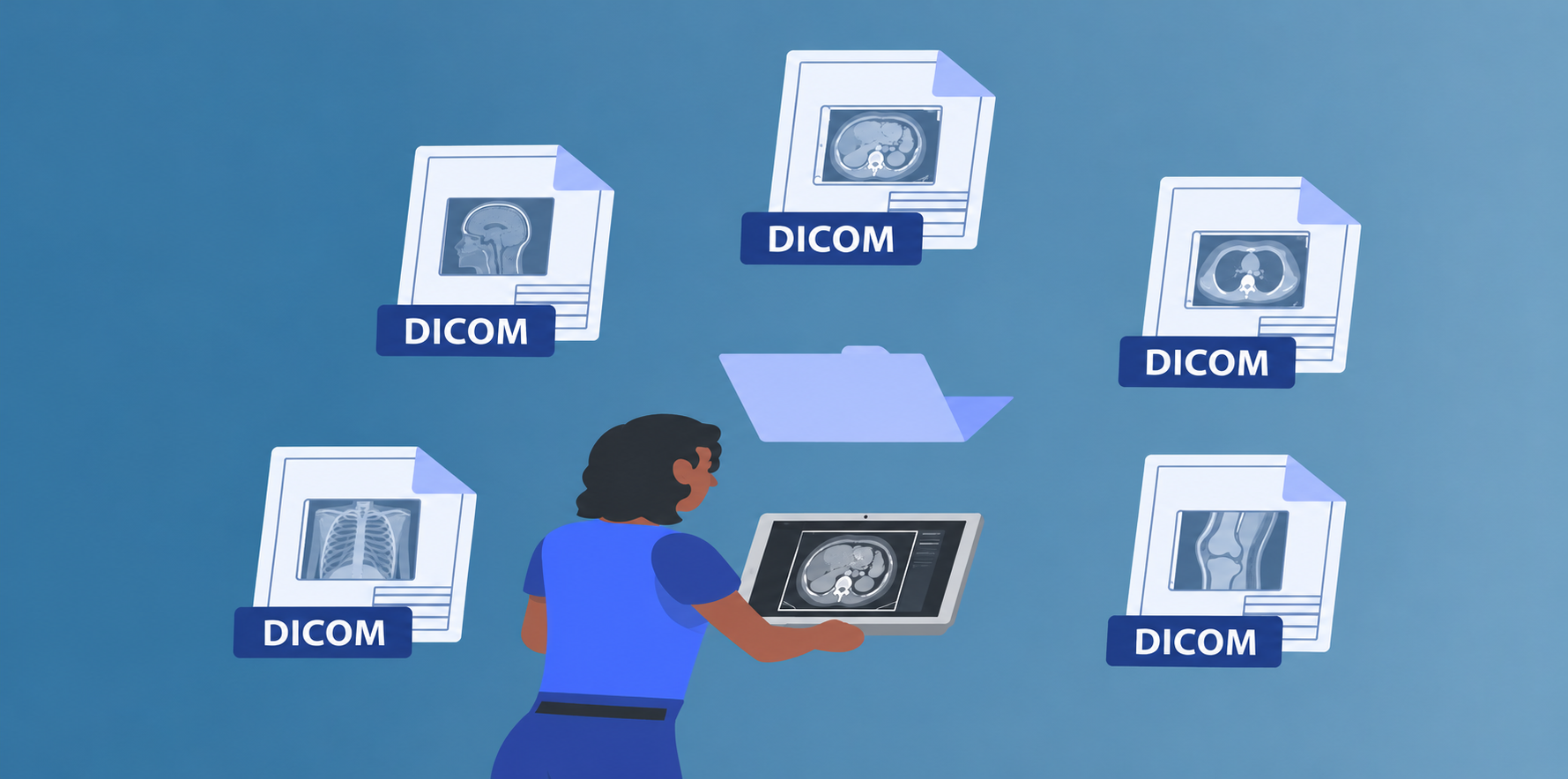
View DICOM Studies Without a Dedicated Workstation
Reviewing a medical image usually means opening a separate application, often on one specific machine. eViewer moves that step into the browser. Open a DICOM study, scroll through its frames, add annotations, and save them back to your repository from any modern browser. There is no plugin and no desktop client, and the original DICOM file stays unchanged.
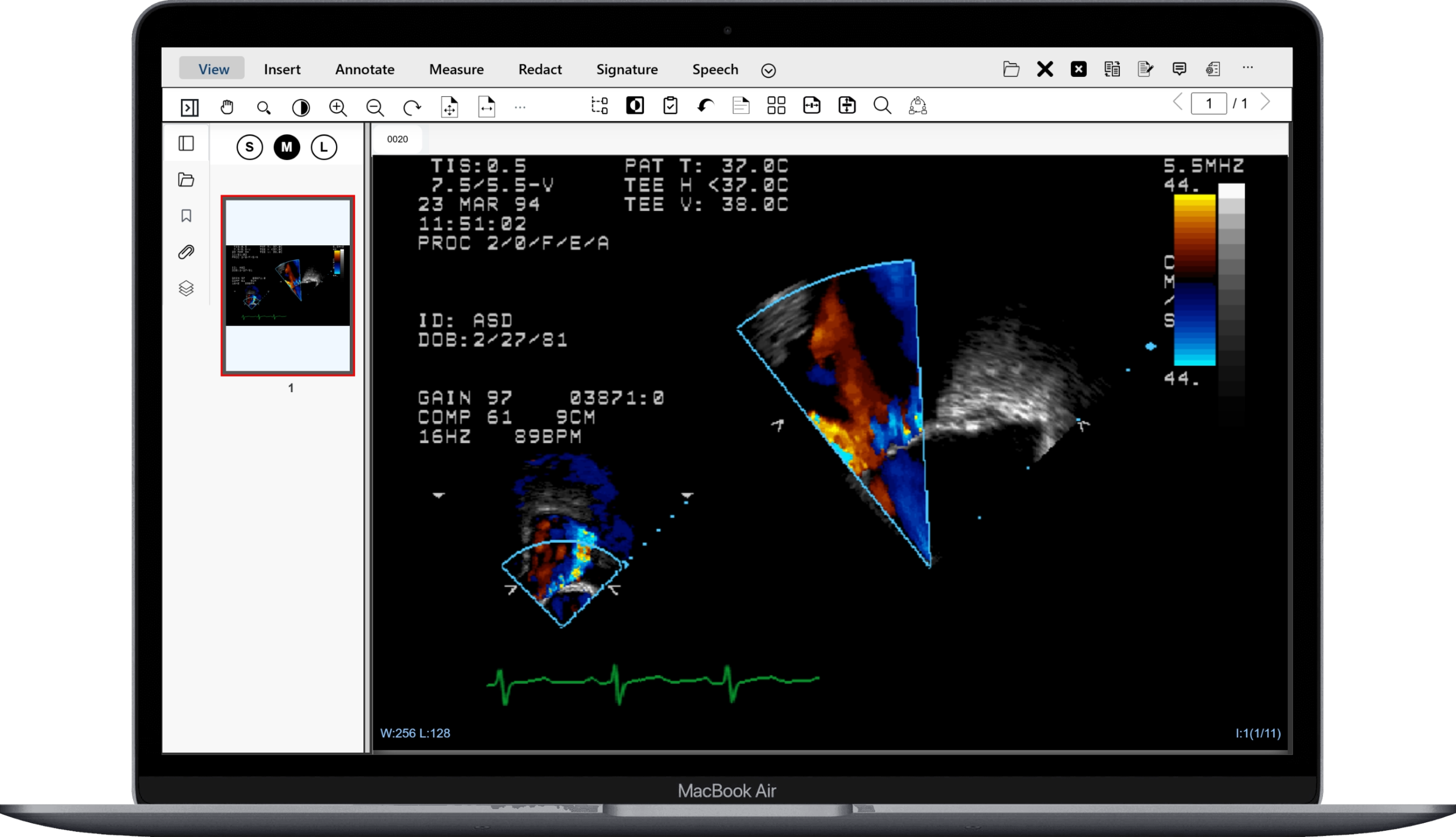
What eViewer Brings to Medical Imaging
Everything you need to view, analyse, and annotate DICOM files in one browser-based viewer with no software to install.
eViewer requires no installation, plugins, or desktop client. Open a DICOM case in any modern browser and start reviewing immediately. Cases can be loaded from any location with browser access to the server or connected repository.
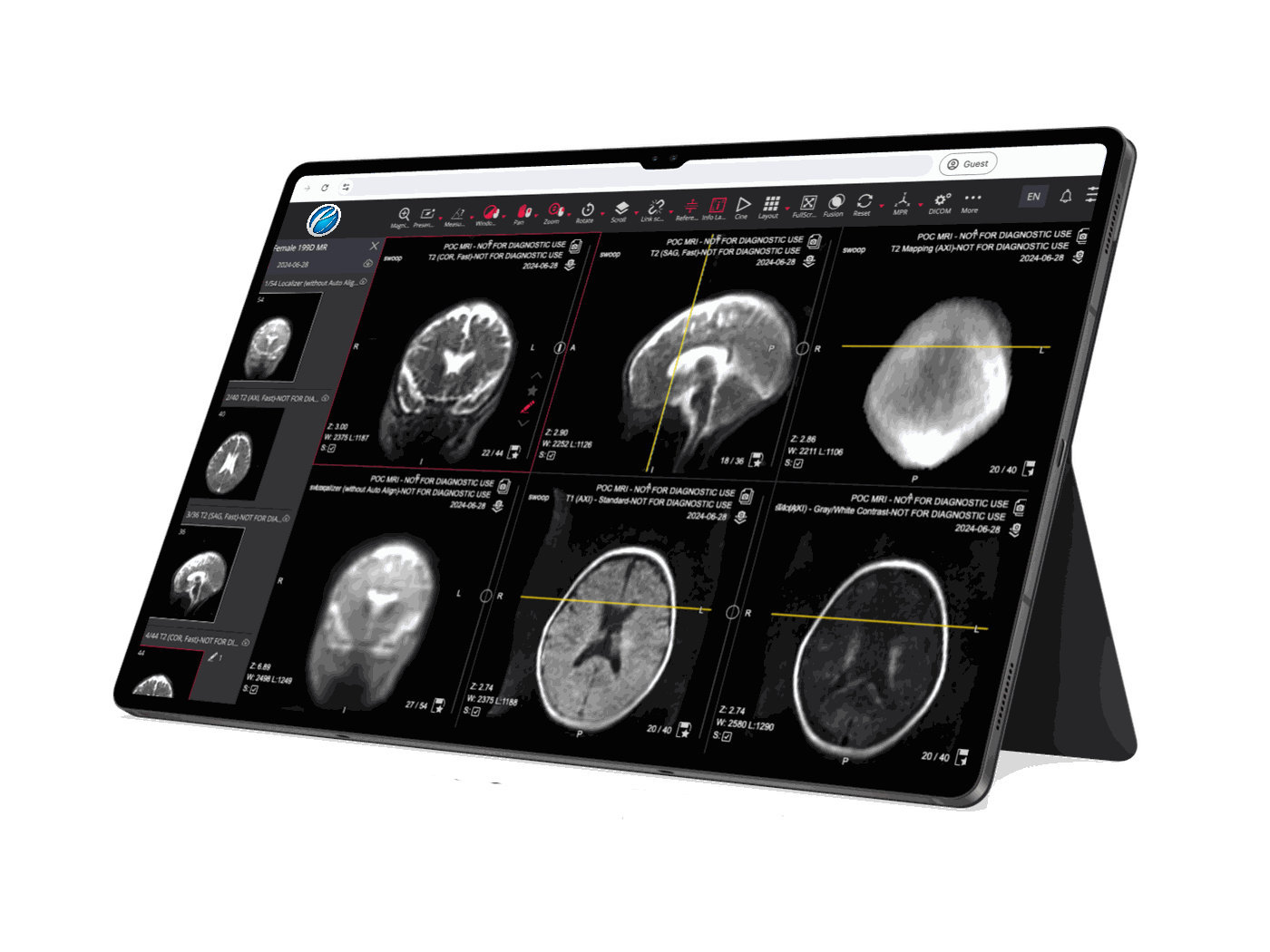
DICOM images are rendered directly in the browser without requiring a plugin or external application. eViewer delivers a responsive viewing experience for multi-frame studies, with smooth navigation between frames and consistent image quality across all modern browsers.
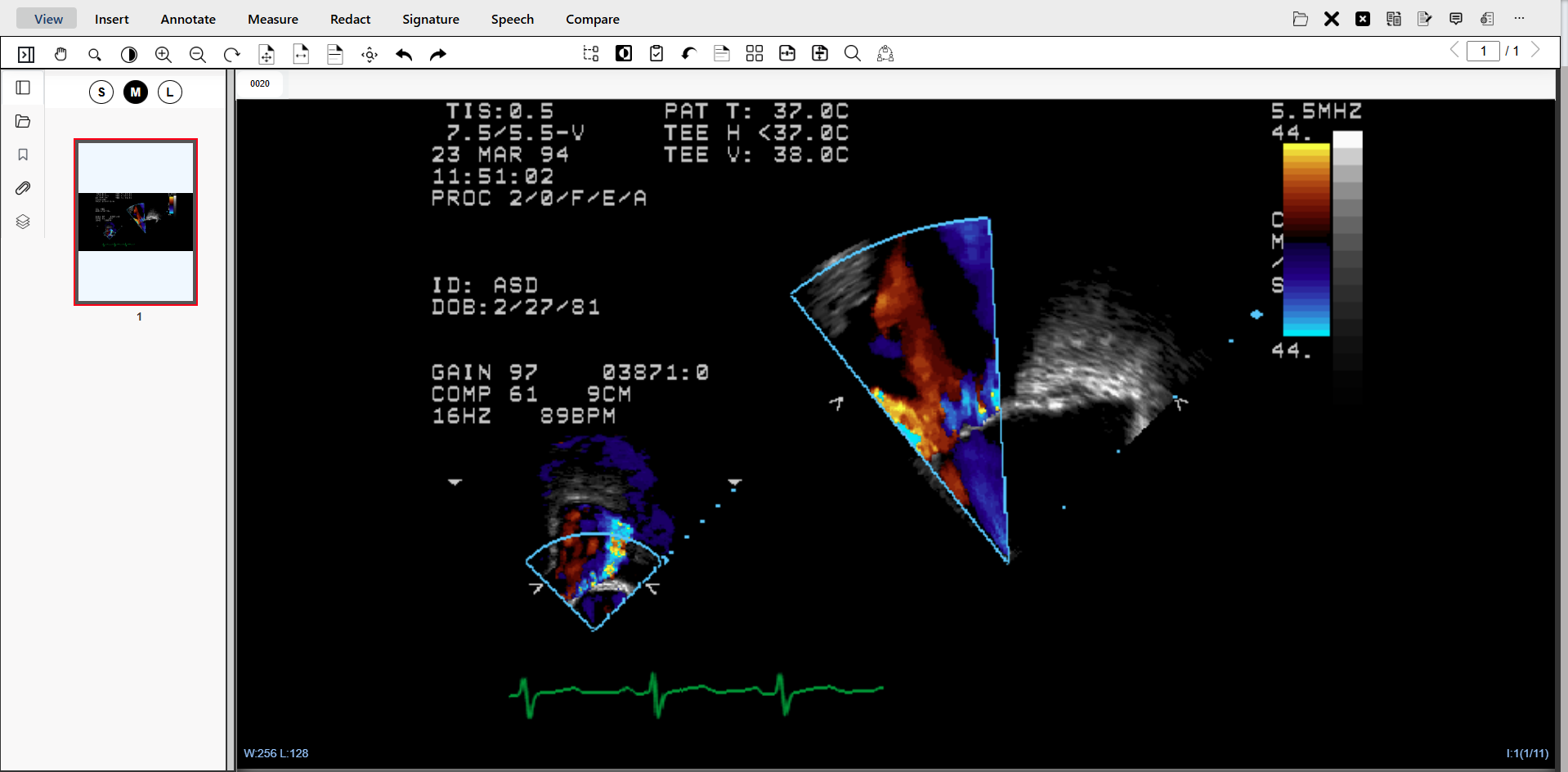
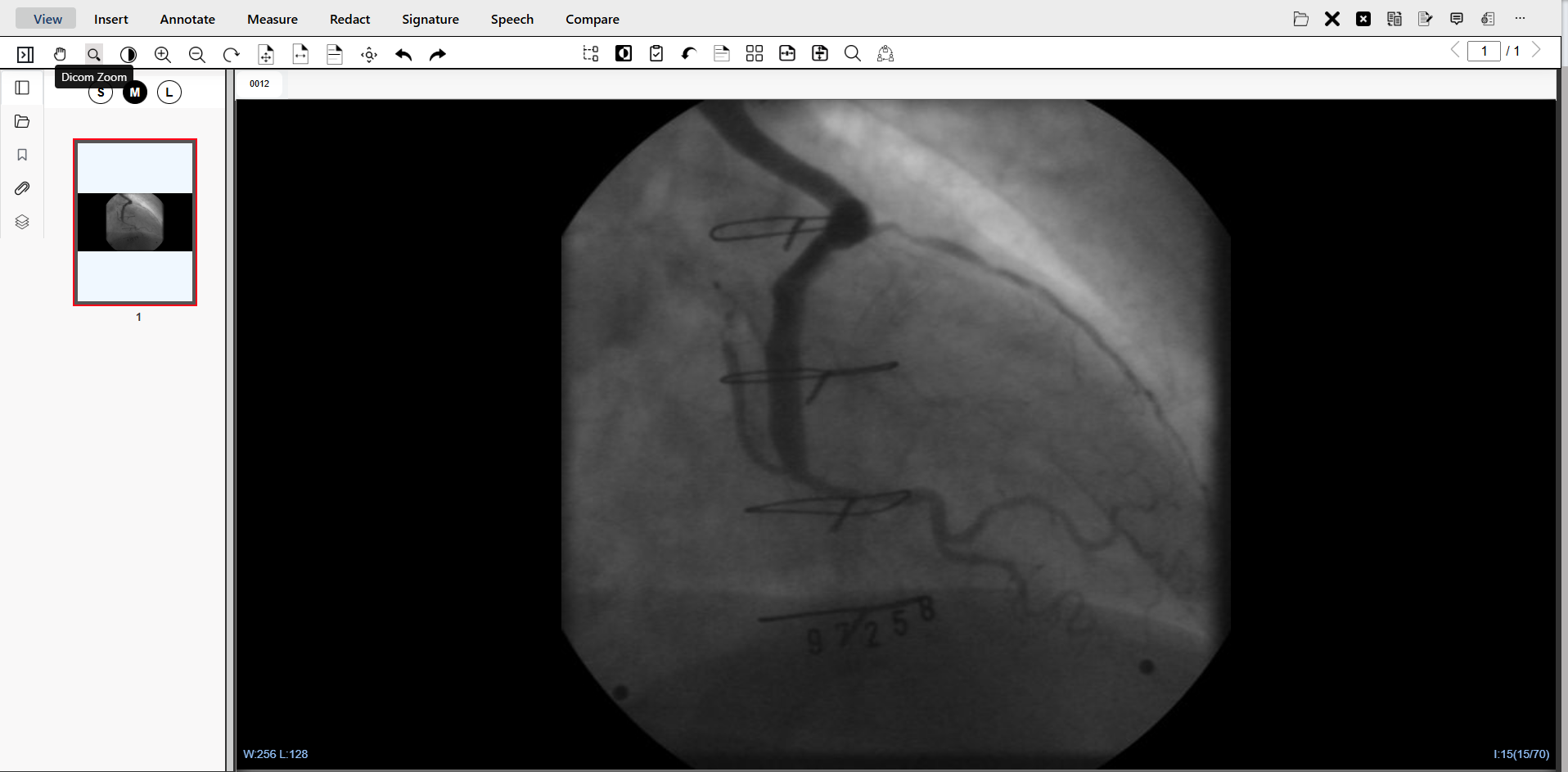
View DICOM medical images from multiple modalities in a single browser session. eViewer supports CT scans, MRI, Ultrasounds, and X-ray rendering, each at its native resolution directly in the browser window with no pre-processing or format conversion required.
Annotate directly on DICOM frames using eViewer’s built-in annotation and measurement tools, all without modifying the original DICOM source file. Correctly measure the size of an area of interest on any DICOM image. Annotation data is stored separately as a JSON layer attached to the document record.
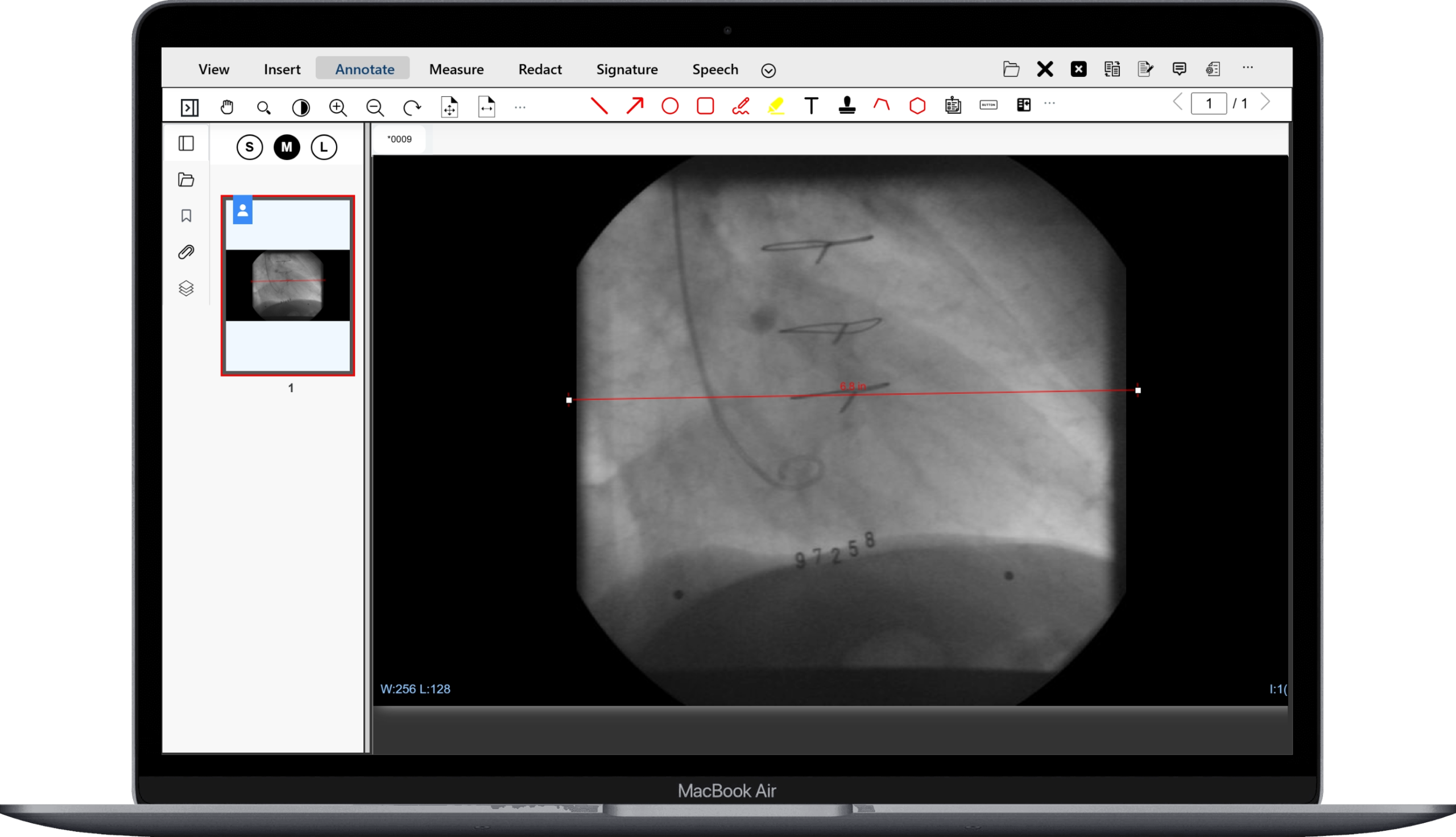
The same annotation toolset that works on DICOM frames also works on PDFs, Office documents, and other file types open in the same eViewer session. Sticky notes, highlights, stamps, and freehand drawing are available across all supported formats, creating a consistent mark-up experience regardless of the document type.

Precision Display Controls Built for Case Review
The display controls are right inside the browser, without a dedicated workstation.
Window Level
Adjust window level (brightness) and window width (contrast) to optimize image display for the region under review. Move the mouse to control window level and window width interactively in real time. The image updates immediately as the values change, letting users fine-tune the display without entering numeric fields.
Frame Navigation
Navigate through multi-frame DICOM studies using the mouse scroll wheel. Each scroll increment advances or reverses the display by one frame. The viewer displays the current frame number and total frame count at all times, giving users a clear position reference within a large series without needing additional controls.
Zoom & Contrast Control
Zoom in and out on the active DICOM image using the mouse. Click and move the mouse upward to zoom in, downward to zoom out. Contrast adjustments are applied interactively alongside window level controls, allowing users to isolate and examine specific regions of an image at the display settings appropriate for the clinical context.
Annotate, Save, and Retrieve – Without Modifying the Source File
This section covers annotation persistence and saving back to ECM and EHR systems.
View More Than Just DICOM Images
Clinical and administrative workflows rarely consist of DICOM files alone. Patient records, referral letters, insurance documents, discharge summaries, and consent forms accompany every case. eViewer opens all of them from the same session, so staff work in one viewer rather than switching between applications.
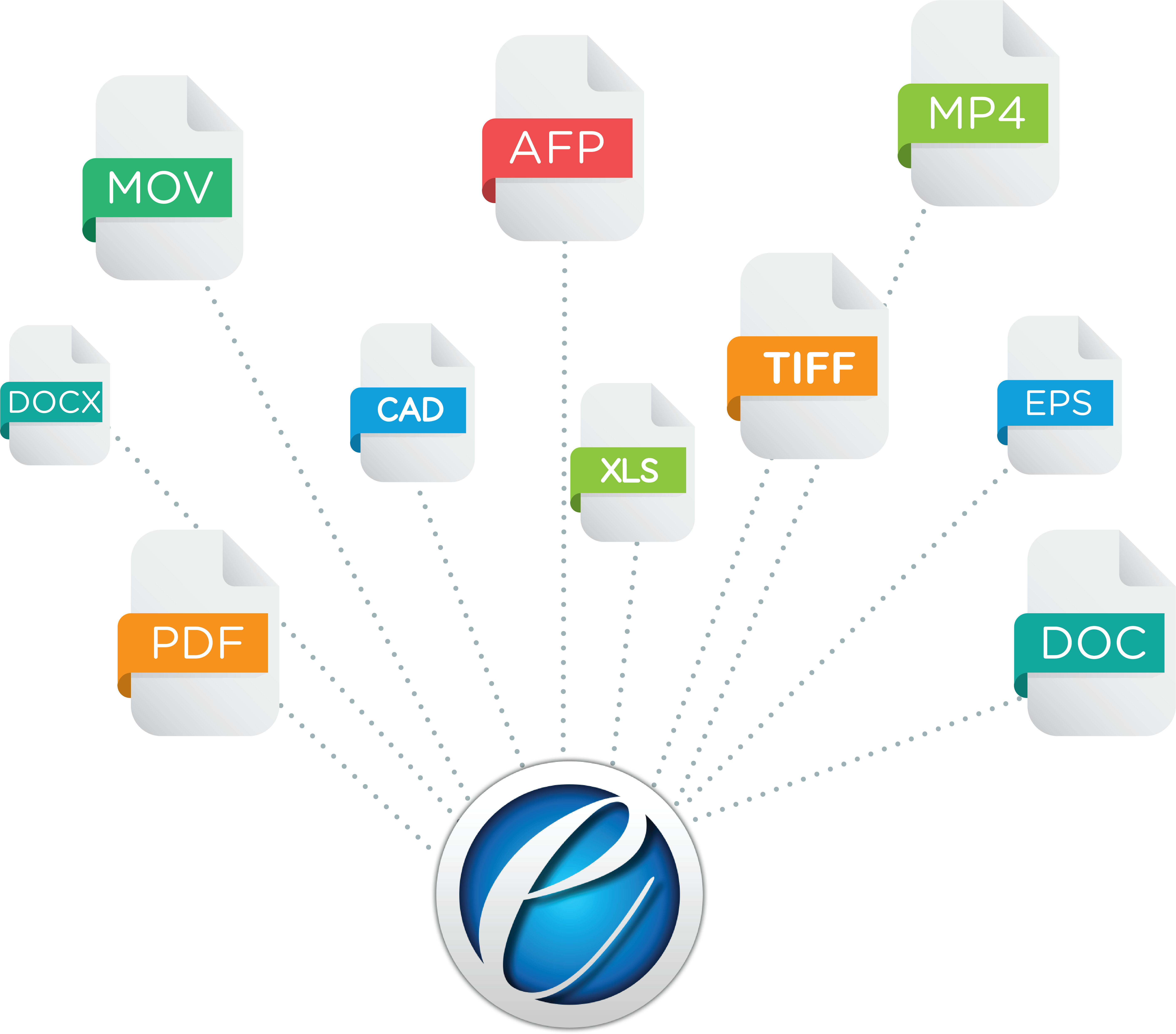
Supported file formats alongside DICOM are PDF/PDF-A, Microsoft files, TIFF, faxes, scanned documents, Word, Excel, emails, CAD, AFP, MO; DCA, and 100+ other formats.
Frequently Asked Questions
Used and Trusted by Thousands of Innovative Start-ups, Governments, and Fortune 1000 businesses Worldwide to Power their Products and Services





Ready to Bring DICOM Viewing into Your Browser?
Experience eViewer’s DICOM support for yourself in your own browser no installs, no plugins.