
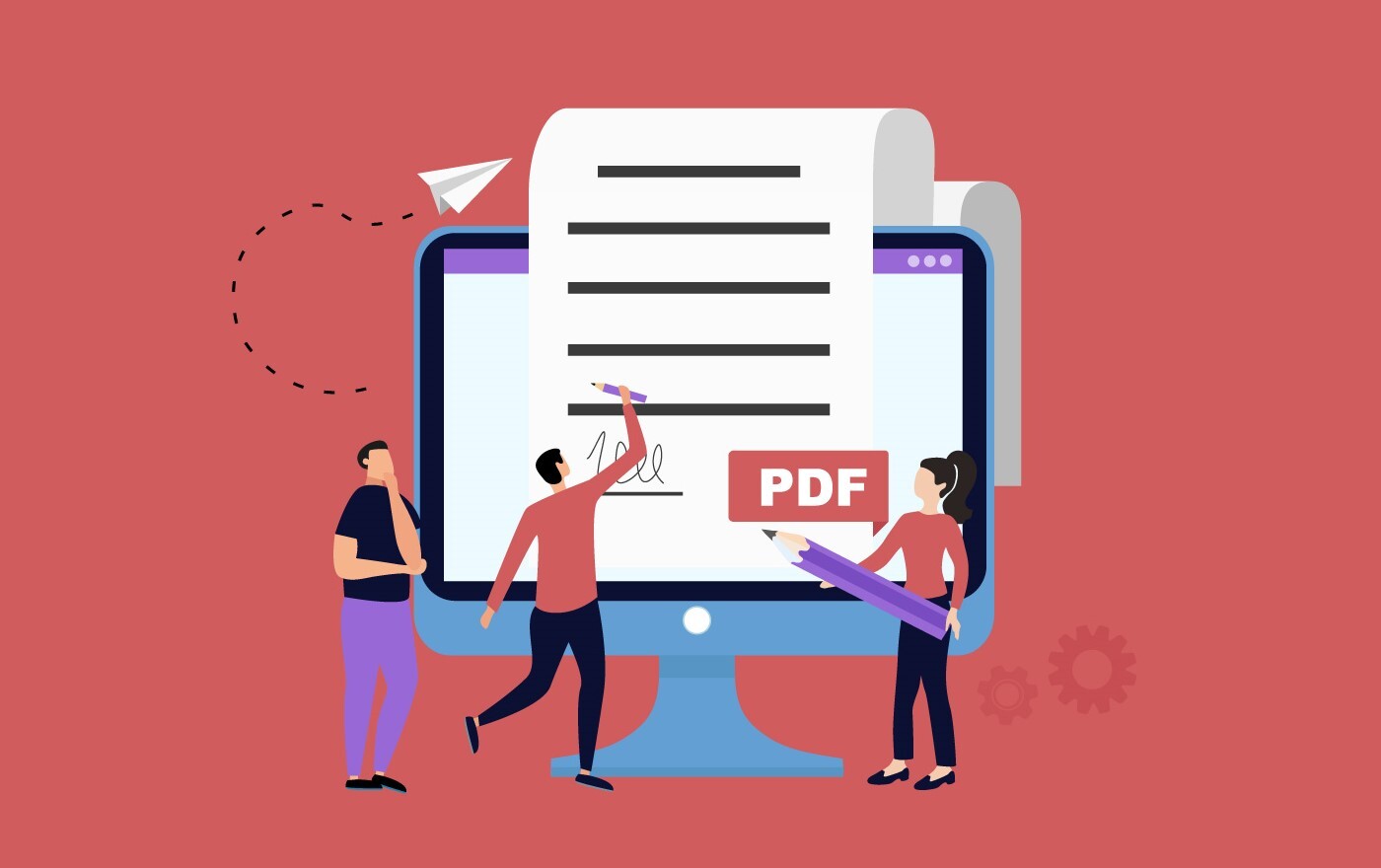
Ultimate PDF Form Filler Solution: eViewer HTML5
View, fill, and save PDF forms digitally — from any device, on any browser. eViewer HTML5 is MS Technology’s enterprise document viewer platform, and PDF form filling is one of its most powerful built-in features. Trusted by governments and Fortune 1000 companies worldwide, eViewer HTML5 is the enterprise-grade form filler software built for the most demanding document workflows.
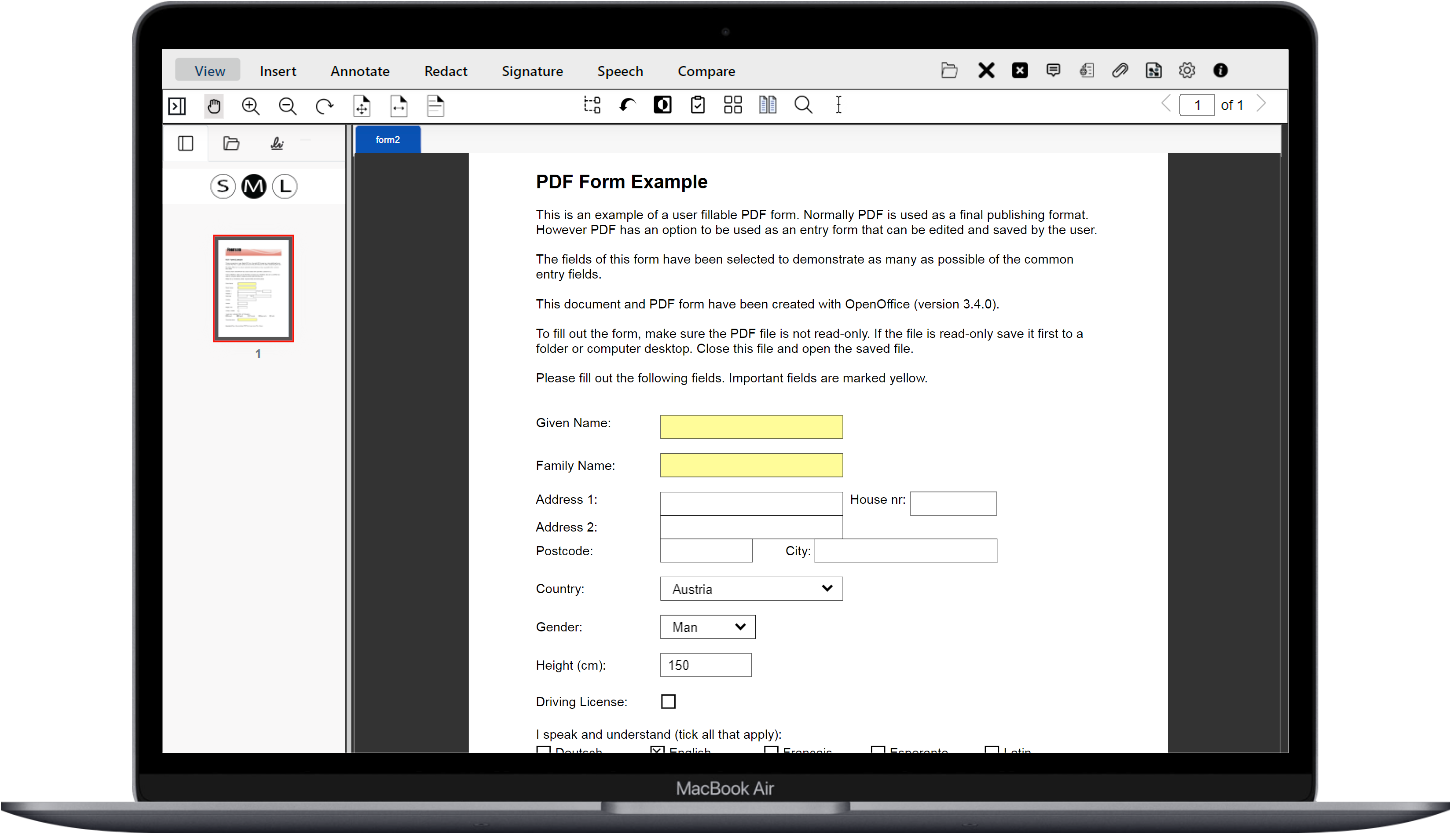
What is eViewer PDF Form Filler?
Complete Form Filling Software for Any Organization
Whether you need an app for form filling across tax documents, legal agreements, healthcare intake forms, or government surveys — eViewer HTML5 is the most powerful form filler tool on the market. It handles any type of form document, of any complexity, and enables users to complete forms digitally.
Unlike basic form filling apps, eViewer is a full enterprise document solution to enable users to fill out PDF forms and integrates directly into your existing ECM and document management workflows, all from a web browser, without installing any desktop applications.
Trusted across industries, eViewer Form Fill eliminates paper-based workflows, reduces legibility errors, and saves time and printing costs at scale.
Core Capabilities
Everything You Need in a Form Fill Software
eViewer’s PDF Form Fill packs every capability an enterprise needs, from AI-powered field detection to cross-device form filling.
AI-Powered Field Detection
Our form filling software uses AI to automatically detect all form fields throughout the document — text fields, checkboxes, radio buttons, and dropdowns — so users can start filling instantly without manual setup.

Adobe Acroforms Support
As a leading feature to fill out PDF forms, eViewer supports Adobe Acroforms and XFA forms seamlessly. Fill, save, and submit Acroforms and XFA-based forms without any hassle. All standard field types are supported, including text fields, checkboxes, radio buttons, and dropdown lists.
Form Flattening
After the form is complete, eViewer can flatten the PDF form to lock in all entries and prevent unwanted alterations — essential for compliance-sensitive industries using our form filler solution.

Any Device, Any Browser
A true form filling tool for the modern enterprise — eViewer works on desktops, tablets, smartphones, or any other mobile device. Users can fill out forms online in PDF format on any browser, anywhere, without installing software.
XFDF Import & Export
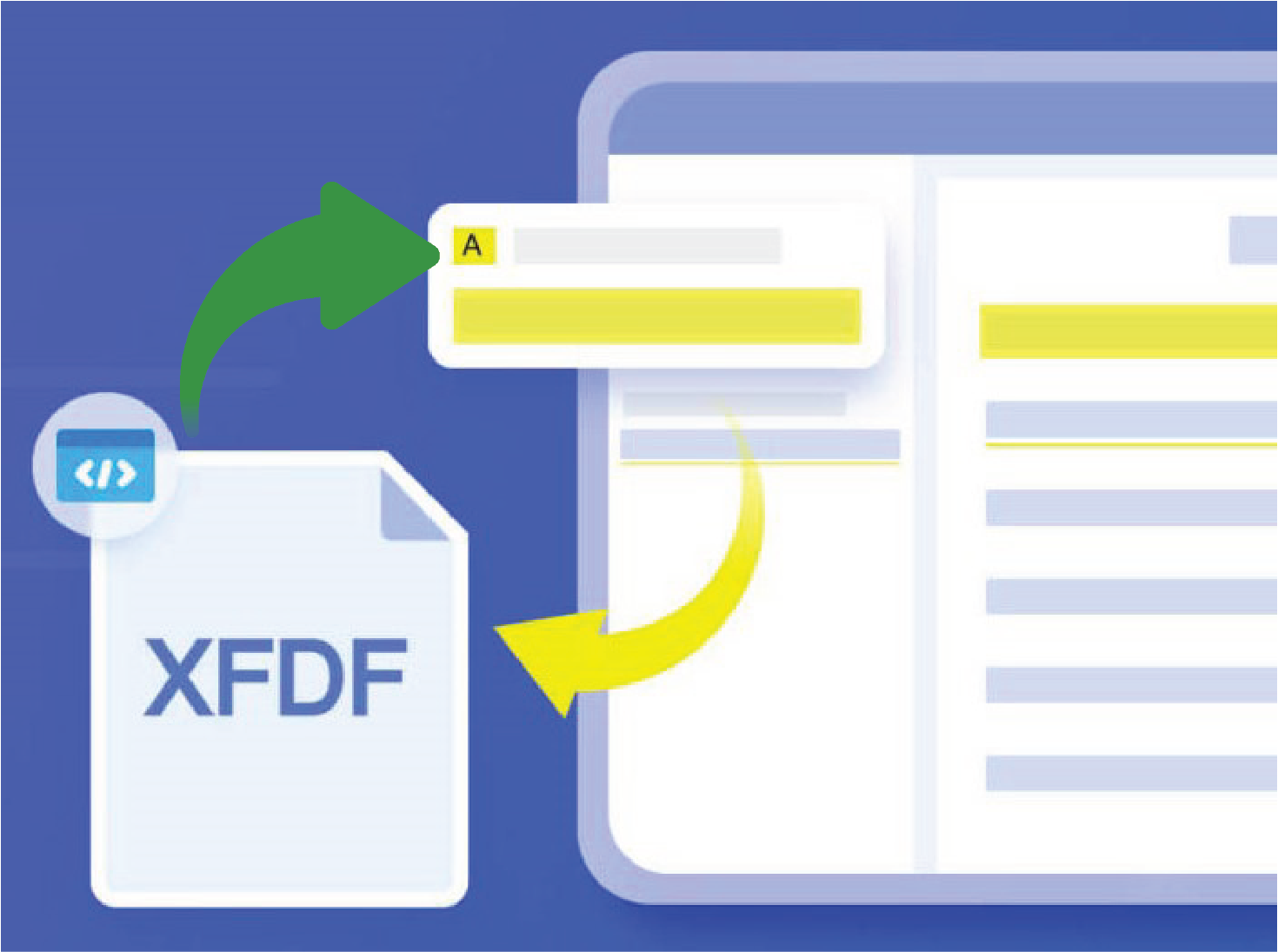
Import XFDF data directly into PDF form samples and Acroforms, or extract completed entries into XFDF files. Ideal for organizations managing high-volume document creation and reusing PDF form examples as templates.

Integrated with Your Stack
eViewer’s form fill software integrates with any database repository or any major ECM platforms like SharePoint, Salesforce, IBM FileNet, and Alfresco — providing a complete end-to-end solution.
Industry Use Cases
Who Needs a PDF Form Filler?
From government agencies to healthcare networks, eViewer’s Form Fill is built for the most demanding environments.
Customer Support
Enterprise-Grade Support, Worldwide
MS Technology provides worldwide support for eViewer HTML5. Support plans are available to match your organization’s needs — from standard coverage to dedicated technical assistance. Our experienced support team ensures your form filling workflows run smoothly, at any scale.

Frequently Asked Questions
Here are answers to the most common questions when looking for a PDF form filler or form filling software.

Used and Trusted by Thousands of Innovative Start-ups, Governments, and Fortune 1000 businesses Worldwide to Power their Products and Services





Ready to Transform Your Form Filling Workflows?
See how eViewer’s Form Fill can become your organization’s go-to app for form filling — across every device, every department, every form.