
Share documents through Microsoft Teams or Slack for document review or collaborate on the same document in real time.
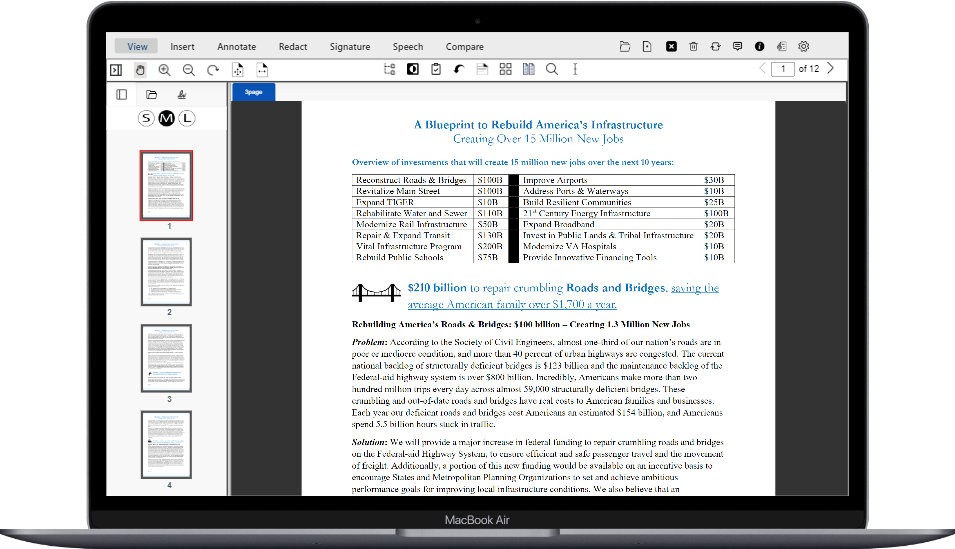
Share any document through a Microsoft Teams channel or Slack message with your colleagues. Join a document review session with colleagues with viewing, annotating, and reviewing together, live; or just get your colleagues eyes on a document for their feedback.

One link, shared where your team already talks
Enable your colleague to review or even work together on the document
No separate app to install, just a link to instantly share the document.

Key Capabilities
Everything stays in sync, for everyone in the session
Shared Document Access via URL
One link connects to the same session. Anyone who opens it from a Microsoft Teams channel or a Slack message sees the identical, current version of the document.
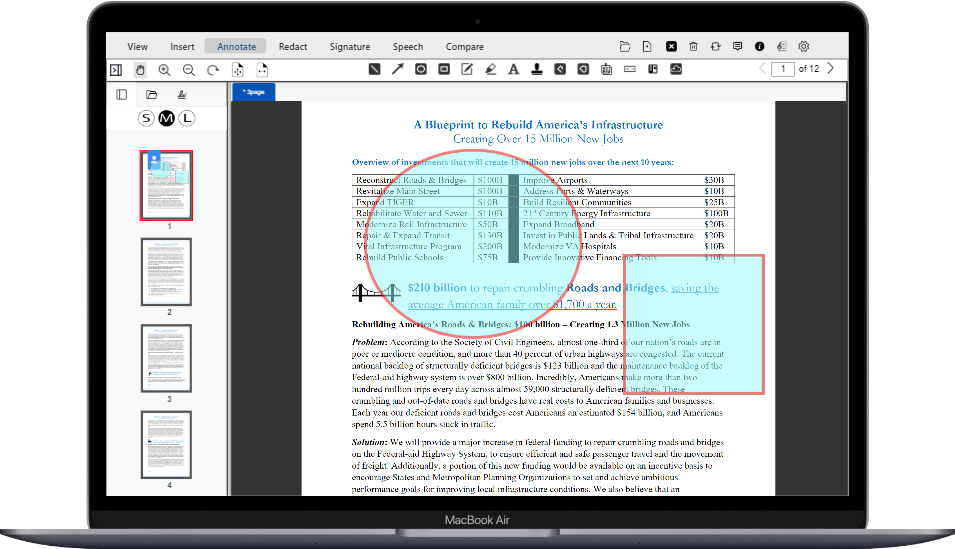
Multi-User Annotation & Commenting
Highlights, shapes, text annotations, sticky notes, and comments appear for all connected users the moment they are added.
Real-Time Sync
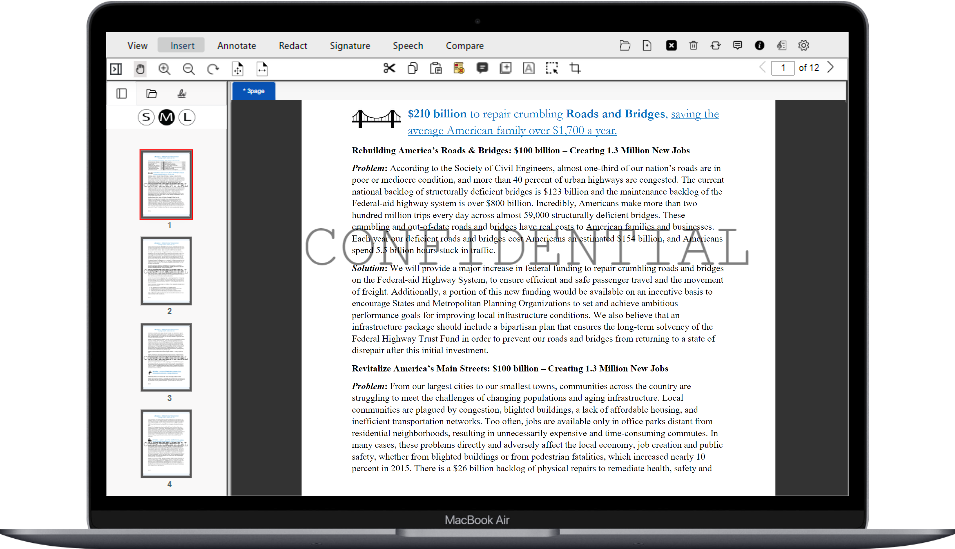
Every change a new annotation, watermark, an edit, a deletion is pushed to all participants immediately, so the whole session sees the same current state.
Consistent across organizations
Participants joining from either platform, inside or outside your organization, work from the exact same live document instance.
Why It Matters
Review documents without leaving the conversation




Frequently Asked Questions
Ready to collaborate in real time, wherever your team works?
Share a session link in Microsoft Teams or Slack and get your whole team on the same document, instantly.